Restore Vintage Portraits from Your Phone
Bring back the sharp detail and true tones of a studio portrait without touching the fragile original print underneath.
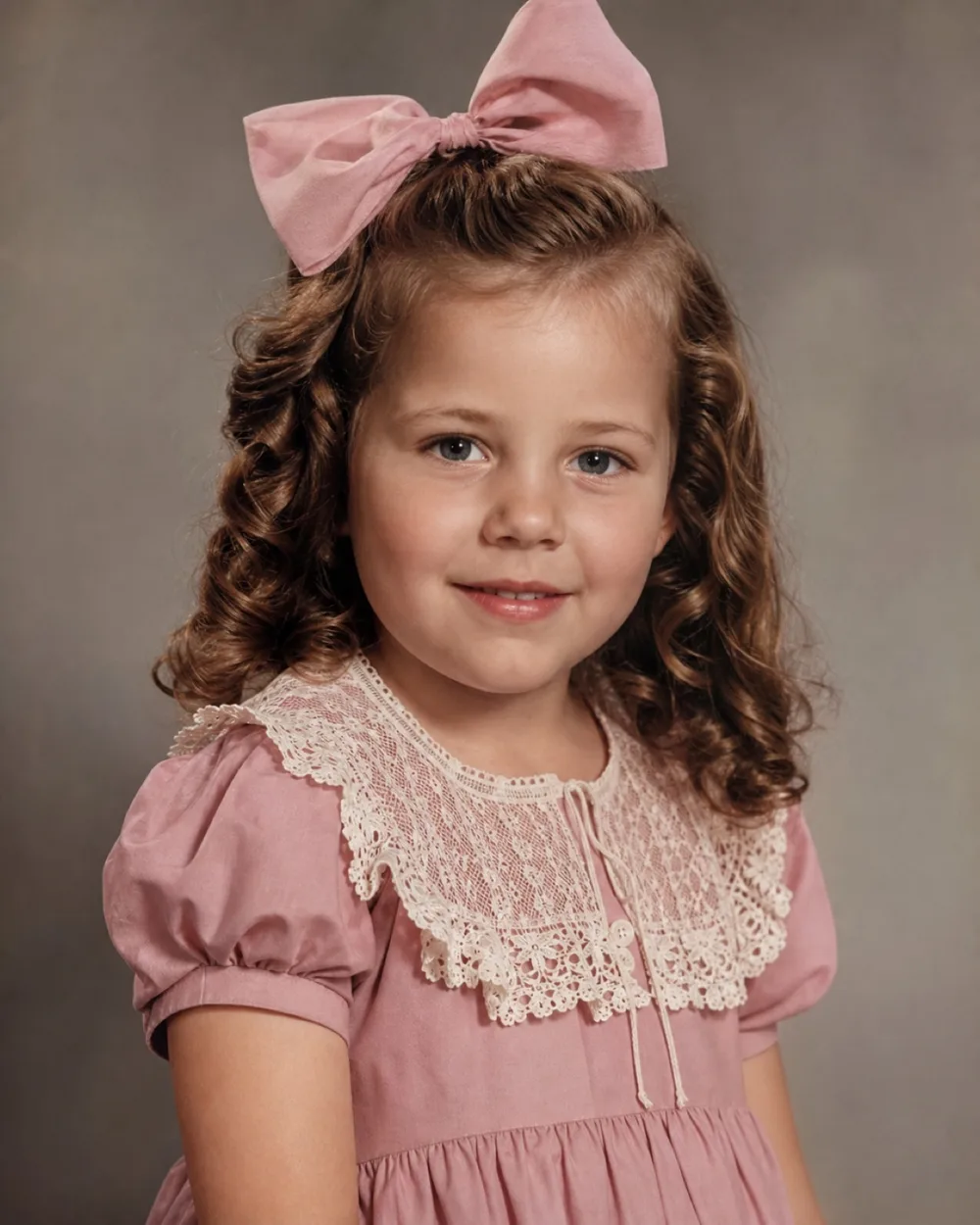
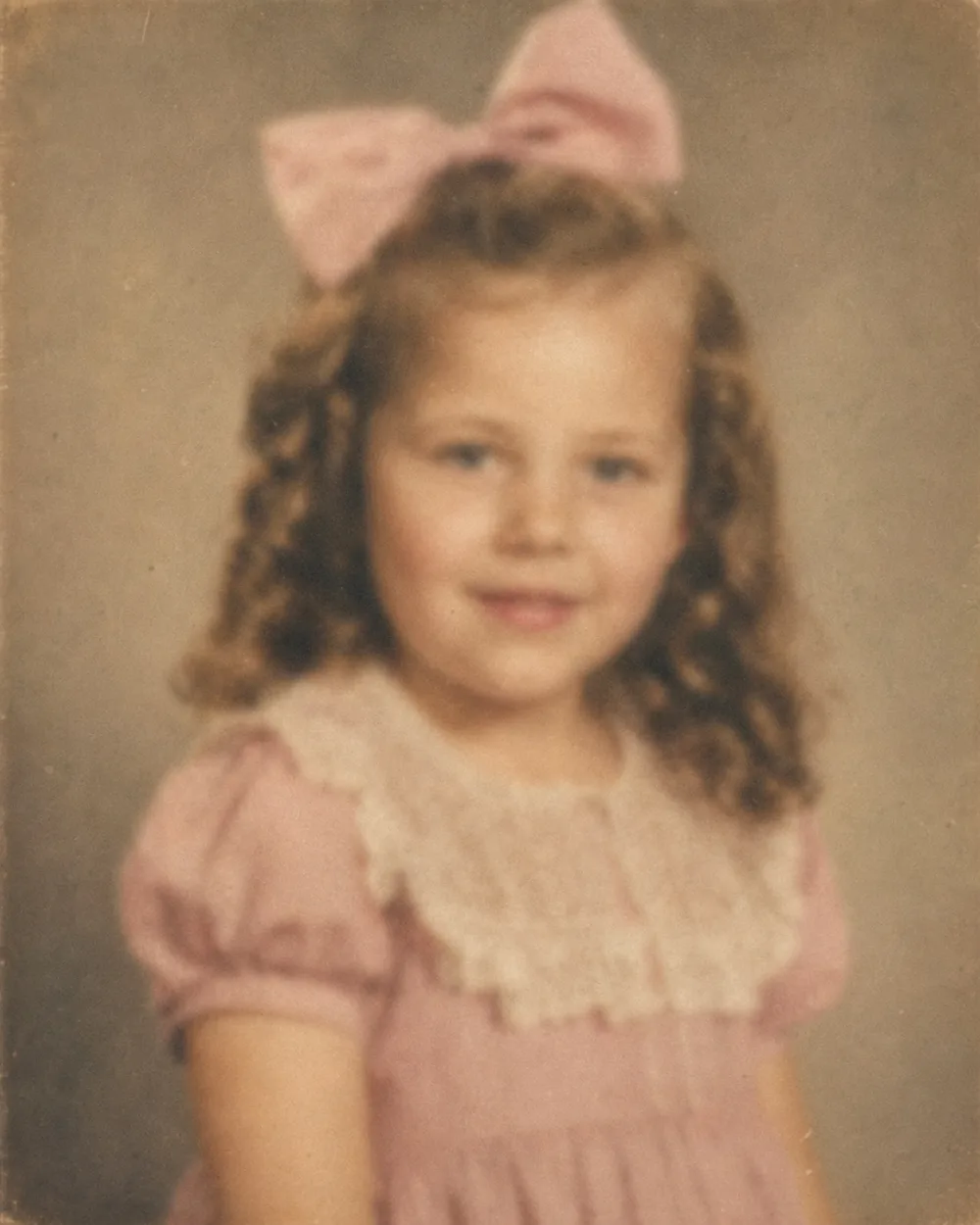
Drag to compare before & after
Vintage studio portraits ask for a gentler kind of restoration than a snapshot pulled from a shoebox, because the damage and the format are both specific: cabinet cards, cartes de visite, and tintypes age in ways ordinary prints don't. Foxing spots bloom across the mount, the emulsion silvers at the edges, and the painted studio backdrop behind the sitter can fade to a flat gray long before the face itself does.
OldtoLife works from a photo of the portrait, so the original card, mat, or tin stays exactly as it is in a drawer, album, or frame. You get back a version with the scratches lifted, the pose sharpened, and, if you choose, natural color added to a sepia or black-and-white print, all in about ten seconds per photo.
What Makes Studio Portraits Different to Restore
A snapshot taken outdoors ages more or less evenly. A studio portrait doesn't, because it was built from several layers: a painted or draped backdrop, a formal pose often held rigid by a hidden stand, and a mount or mat designed to be handled and displayed for a century or more. Each layer degrades on its own schedule, which is why you'll often see a crisp face against a backdrop that's gone muddy and gray, or ornate mat decoration that's cracked while the print itself survived intact.
The paper stock matters too. Albumen prints and early gelatin prints on cabinet cards develop a metallic sheen called silvering where the image has oxidized, usually starting at the edges and creeping inward. Restoration for this kind of portrait means reading which parts of the image are original detail worth preserving and which are damage worth removing, rather than applying one blanket fix to the whole frame.
The Damage Specific to Antique Studio Prints
Studio portraits tend to carry a recognizable set of problems, shaped by how they were made and stored rather than by how they were used day to day. Recognizing the pattern helps you know what to expect from a restoration and why it looks different from fixing a torn family snapshot.
Foxing, the small reddish-brown spots caused by mold and metal impurities in old paper, is especially common on cabinet cards kept in humid attics or basements. Emulsion cracking shows up as a fine web of lines across the surface, often worst where the print was pressed against glass in a frame. Faded sepia toning at the corners, water rings from album pages, and tears along the mount edge where a card was pried out of a photo album round out the usual list.
- Foxing spots from mold and paper impurities
- Silvering or mirroring along the image edges
- Fine cracks across the emulsion surface
- Faded or uneven sepia tone at the corners
- Torn or bent mount edges from album removal
- Blurred detail from the slow shutter speeds studios used
Colorizing a Sepia or Black-and-White Studio Portrait
Studio portraits were almost never shot in color, so colorizing one is often the difference between a portrait that reads as a museum piece and one that reads as a person. The Colorize tool studies skin tone, fabric, and the painted backdrop and assigns plausible, period-appropriate color rather than guessing wildly. Formal Victorian and Edwardian dress tends to run in muted, structured tones, and the result generally sits closer to a quiet parlor than a bright modern photo.
Because a studio backdrop was often painted rather than real, colorizing it can produce softer, more uniform color than colorizing an outdoor scene, which is expected and usually correct. If a portrait includes fine detail worth keeping visible, such as lace collars, mourning jewelry, or military insignia, it helps to also run Enhance first so that detail is sharp before color is added on top of it.
For Collectors: Restoring Without Losing What Makes It Original
Collectors of cabinet cards, tintypes, and cartes de visite often want a usable, shareable image without ever altering the physical object itself, since the mount, the photographer's studio imprint, and the original surface are part of what gives the piece its value and provenance. Because OldtoLife restores a photograph of the portrait rather than the object, the card or tin can go straight back into an archival sleeve after you're done.
This also makes it practical to build a clean digital record of a collection: restore each piece to a legible, high-resolution version for cataloging or research, while the original stays untouched for appraisal or sale. The restored copy is useful for sharing with family, researchers, or fellow collectors without ever risking the fragile print in the mail or under a scanner lid repeatedly.
Sharpening Soft Focus and Faded Detail
Long exposures and simple studio lenses often left period portraits with a soft, slightly blurred quality even when they were brand new, and a century of fading has usually softened them further. The Enhance tool recovers detail in the face and fine elements of the clothing and accessories, which is often the part of a studio portrait that matters most, since it's the sitter's expression and features people are trying to see clearly.
For portraits where fading has left the print washed out and low-contrast rather than sharply damaged, Brighten can restore the tonal range so the person and the backdrop separate again instead of blending into a flat gray field.
Step by step
- 1
Photograph the portrait flat, in even light
Lay the card or frame on a flat surface and shoot from directly above with soft, even light so there's no glare on the glossy mount.
- 2
Repair damage with Restore
Use Restore to lift foxing spots, cracked emulsion, torn mount edges, and water stains from the image.
- 3
Add color if the portrait is black-and-white or sepia
Run Colorize to give skin, fabric, and the studio backdrop natural, period-appropriate color.
- 4
Sharpen the face and fine detail with Enhance
Use Enhance to bring out soft-focus detail in the face, lace, jewelry, or insignia that fading has blurred.
- 5
Compare, save, and share
Drag the before/after slider to check the result, then save the high-resolution portrait or share it with family or fellow collectors.
Common questions
Can OldtoLife restore a cabinet card or tintype?
Yes. Photograph the card or tin flat under even light and upload that photo. Restore repairs foxing, cracks, and torn mount edges without needing the original object itself.
Will colorizing a sepia studio portrait look accurate?
Colorize aims for plausible, period-appropriate tones based on skin, fabric, and backdrop rather than an exact historical record, since the original color was never captured. Most formal portraits come out in muted, believable tones.
Does restoring the photo damage the original print or card?
No. OldtoLife works from a photo you take of the portrait, so the physical card, mount, or frame is never touched and can go back into storage exactly as it was.
What if the studio backdrop is faded but the face is fine?
Restore and Brighten both help here, lifting fading and stains from the backdrop and mat while leaving well-preserved detail in the face alone.
My portrait has heavy silvering along one edge. Can that be fixed?
Restore is built to handle this kind of edge damage, blending the affected area back into the surrounding image so the metallic sheen no longer draws the eye.
Is this useful for cataloging a photo collection?
Yes. Many collectors restore each piece to a clean, high-resolution digital copy for research or cataloging while keeping the original object in archival storage.
Still have a question? Email us
Tools & guides for this
Restore Old Photos with AI
Erase scratches, stains, creases, and tears from old prints. OldtoLife rebuilds the damaged areas of a photo so a worn picture looks whole again — in about ten seconds.
Enhance Photo Quality: Sharpen Blurry Faces & Boost Resolution
Turn soft, blurry, low-resolution photos into sharp, detailed images — Enhance recovers the fine detail old cameras and scans lost, without changing the photo's original color or character.
Colorize Black and White Photos with AI
Add natural, period-accurate color to black-and-white and sepia photos in about ten seconds — no manual painting, no guesswork, just a believable result you can compare side by side with the original.
Remove Scratches, Scuffs, and Tape Marks from Old Photos
The Restore tool lifts scratches, scuffs, dust, and tape marks from an old photo in about ten seconds, without smoothing away the detail underneath.
Restore Ancestor Photos for Your Family Tree
The one surviving photo of a great-great-grandparent is often faded, torn, or missing a corner — restoring it turns a fragile keepsake into a clear portrait you can attach to your family tree and pass down.
Colorize Historical Photos with Natural, Period-Accurate Color
Turn a black-and-white or sepia archival photograph into a naturally colored image in about 10 seconds — without the neon, plastic look that generic filters produce.
Common Types of Photo Damage (and What Causes Them)
Old photos don't fall apart randomly — they fail in a handful of recognizable ways, and knowing which one you're looking at makes fixing it a lot less guesswork.
Black and White vs Colorized Photos: Which Should You Keep?
Deciding between a black-and-white original and a colorized version isn't about right or wrong — it's about which one tells the story you want to remember.
How to Restore Torn Photographs
A tear doesn't have to mean a photo is gone for good. Handle the print carefully, capture it well, and digital repair can close the gap so the tear disappears.
Your memories deserve to be seen clearly
Download OldtoLife and restore your first photo in seconds. Every tool is free to try — no account needed.