Bring your old photos back to life
Erase scratches, colorize black-and-white pictures, sharpen blurry faces, and revive faded family memories — in seconds, right from your iPhone.
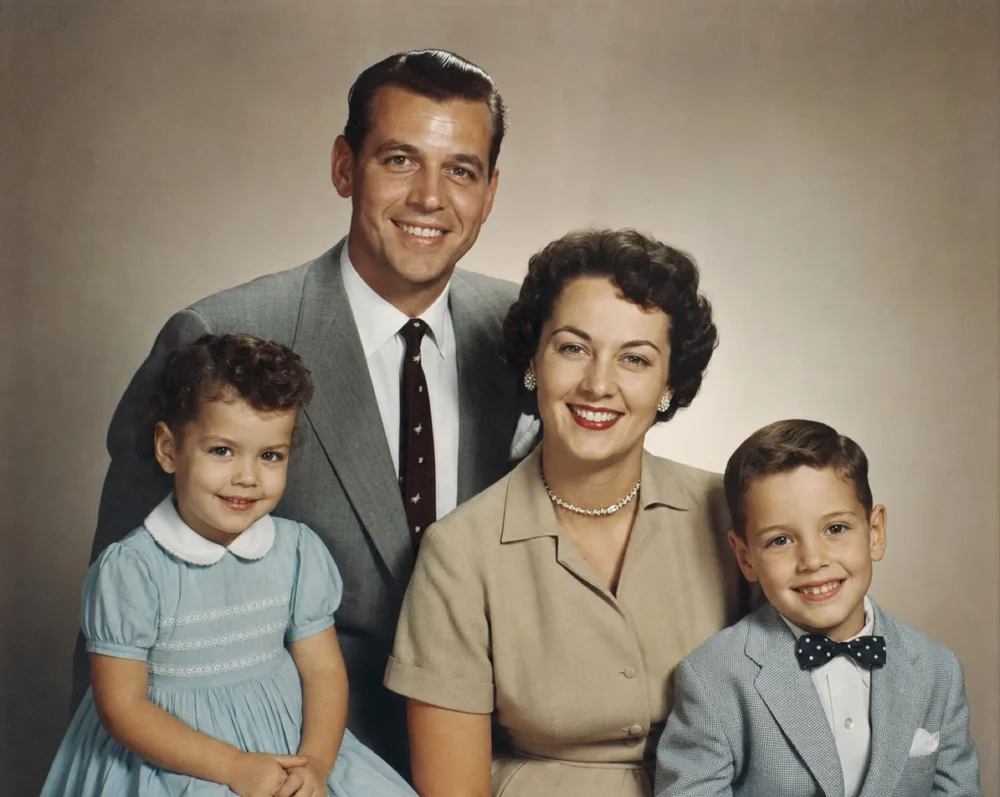
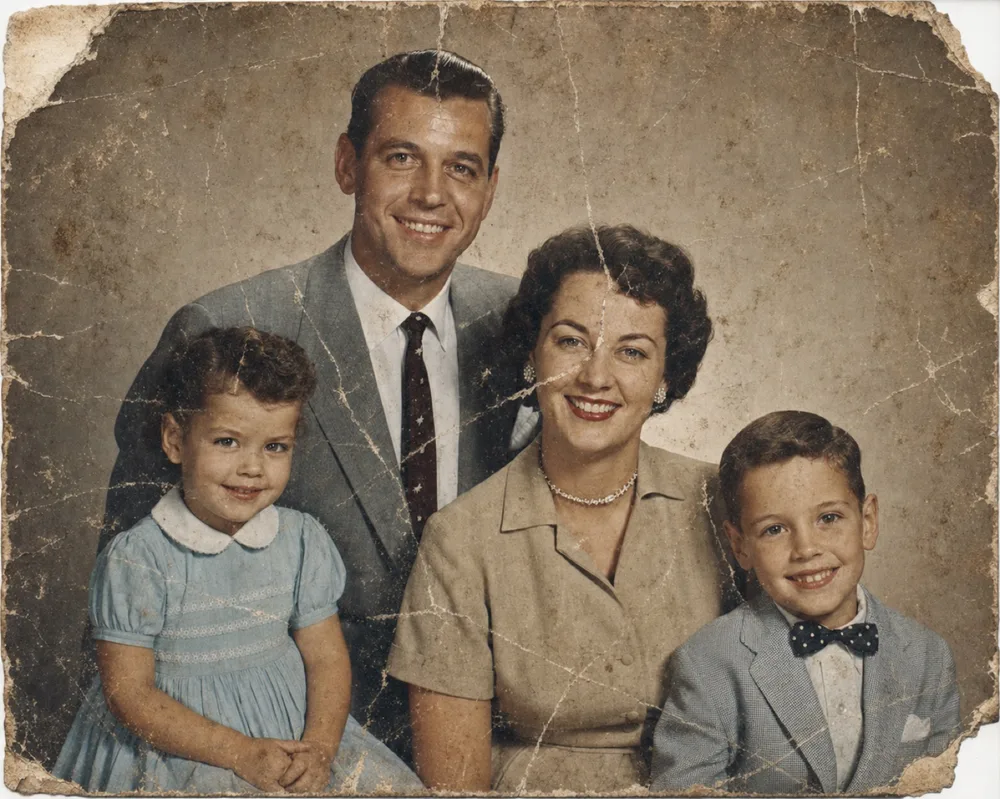
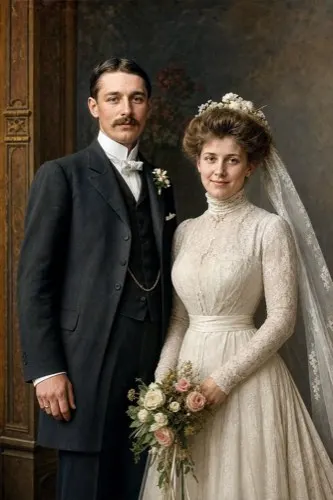
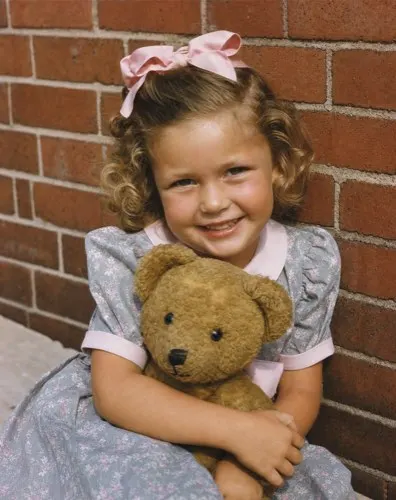
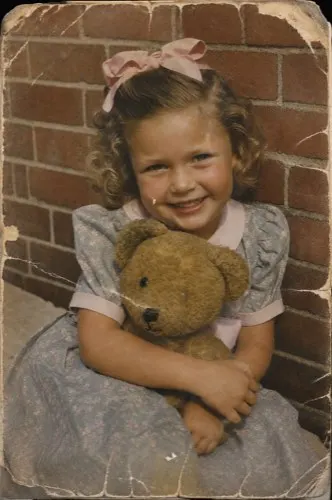
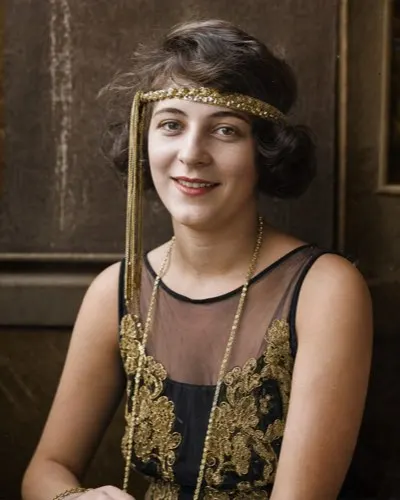
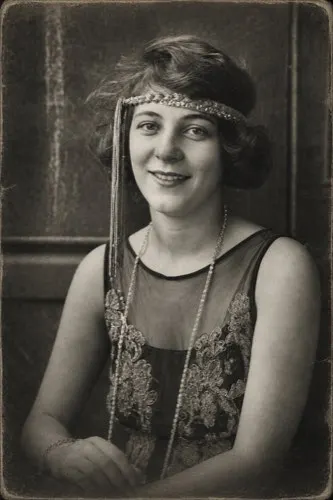
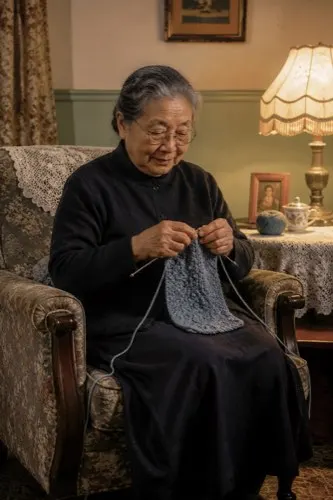
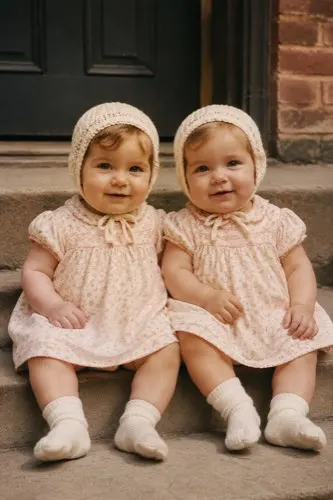
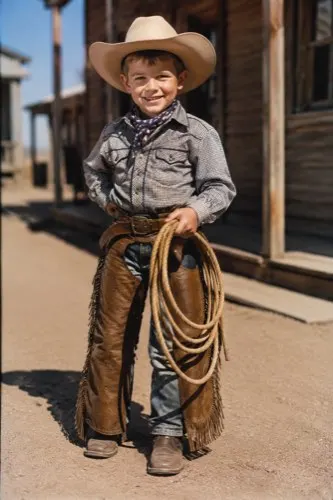
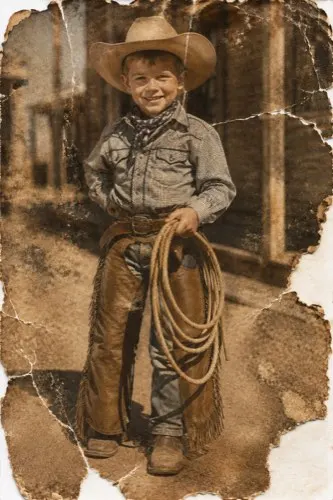
Drag the handle to compare before & after
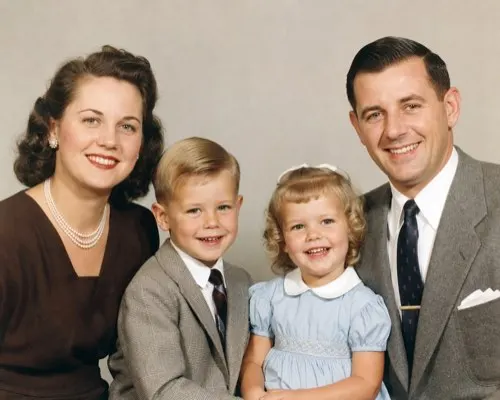
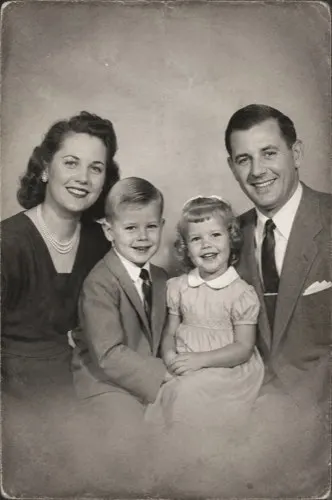
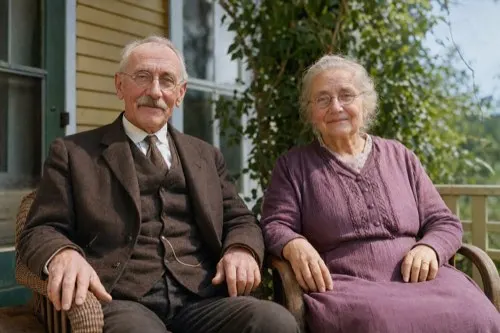
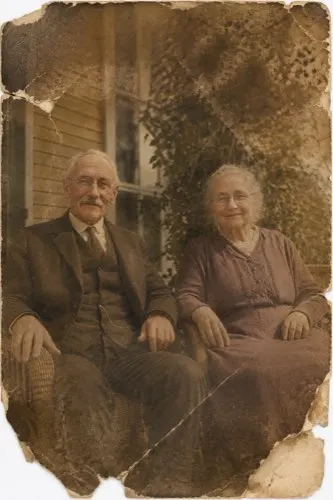
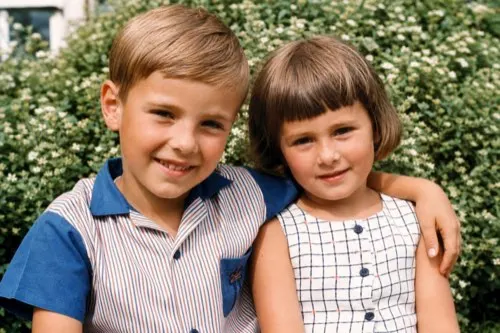
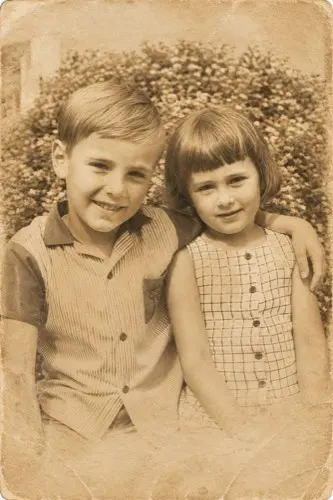
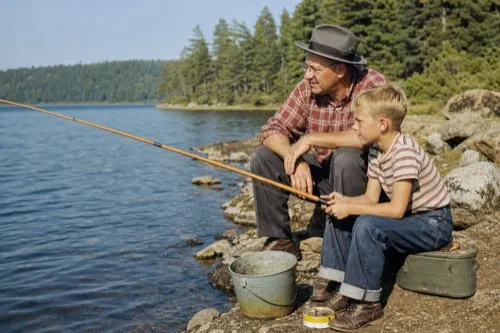
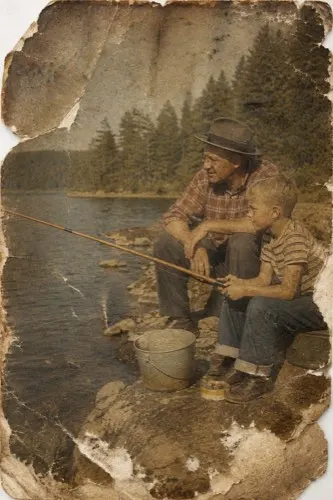
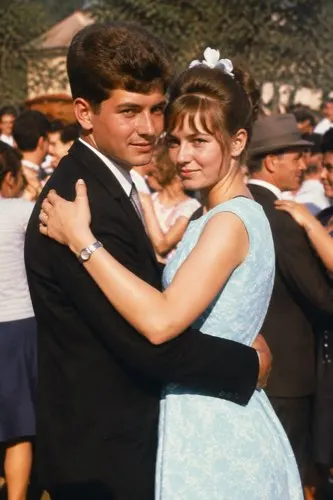
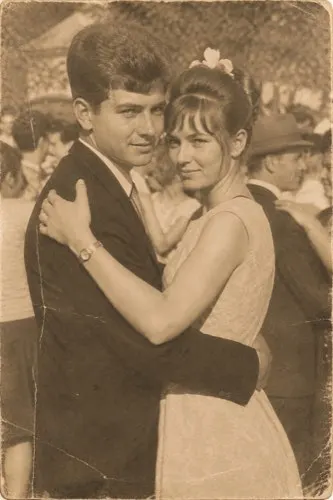
6
Restoration tools
4.9★
App Store rating
50+
Supported languages
~10s
Average result time
Six AI tools to bring every photo back
Each tool is a single tap. Combine them to fully revive a worn print — remove damage, add color, sharpen faces, and balance the light.
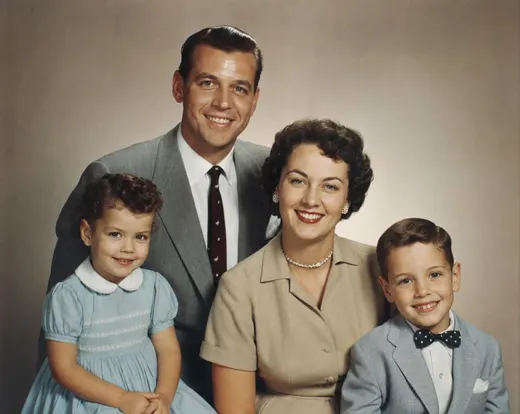
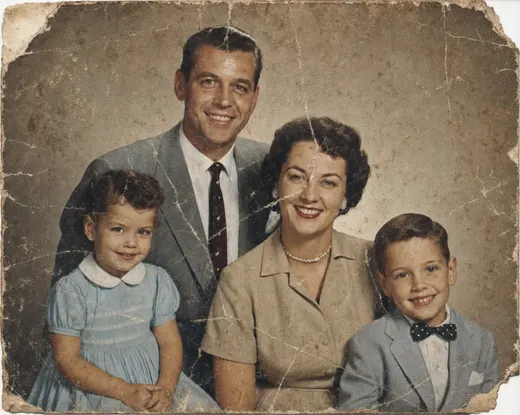 BEFORE AFTER
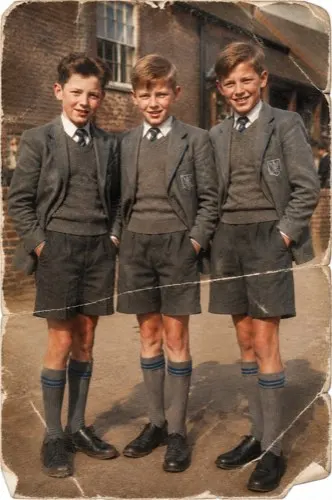
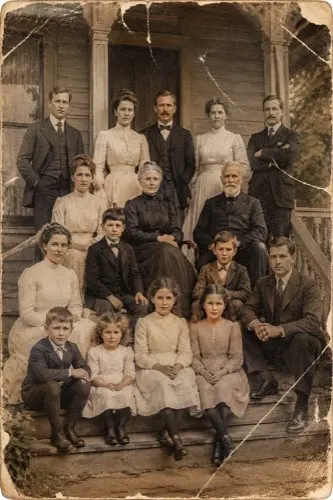
 Remove Scratches
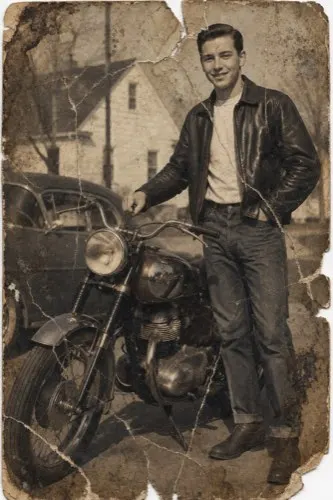
Repair scratches, dust, stains, and tears so a worn print looks whole again.
Learn more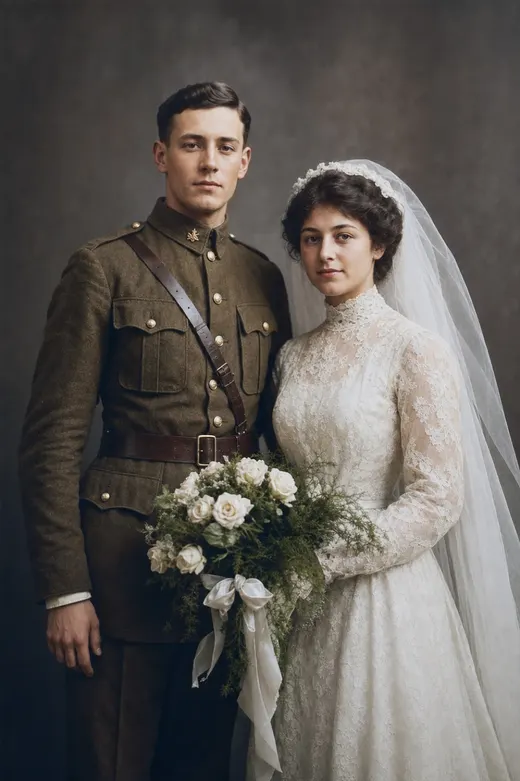
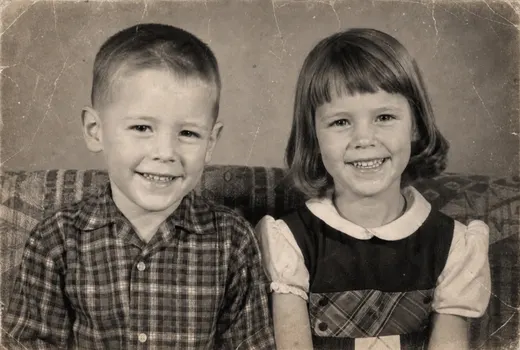
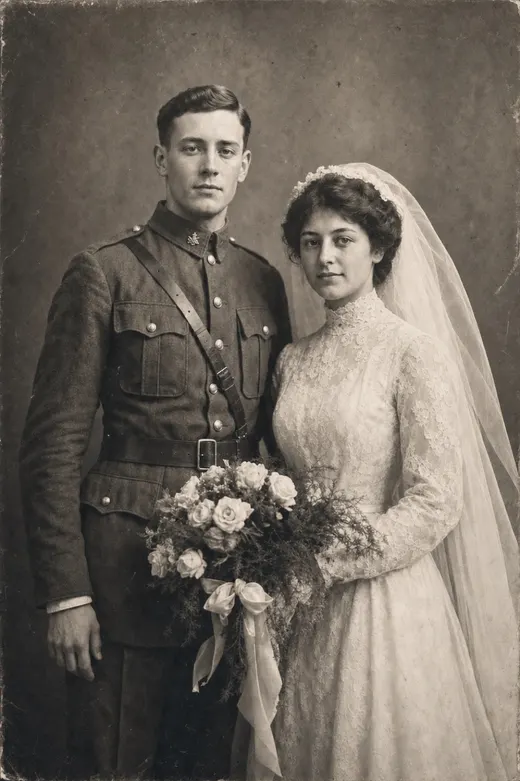 BEFORE AFTER
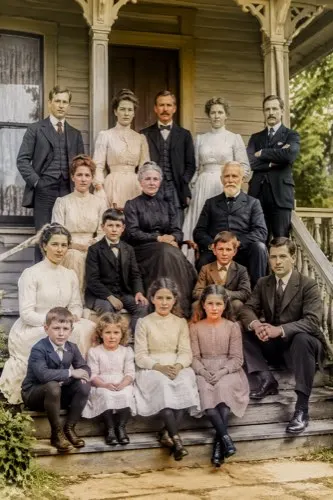
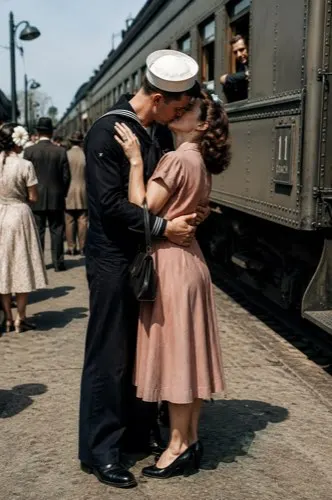
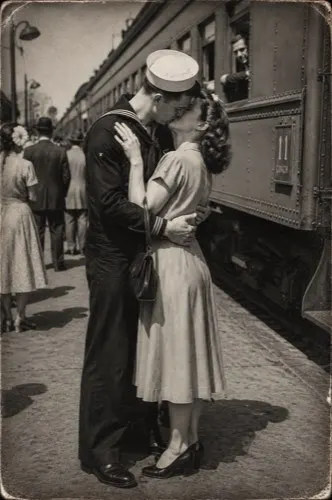
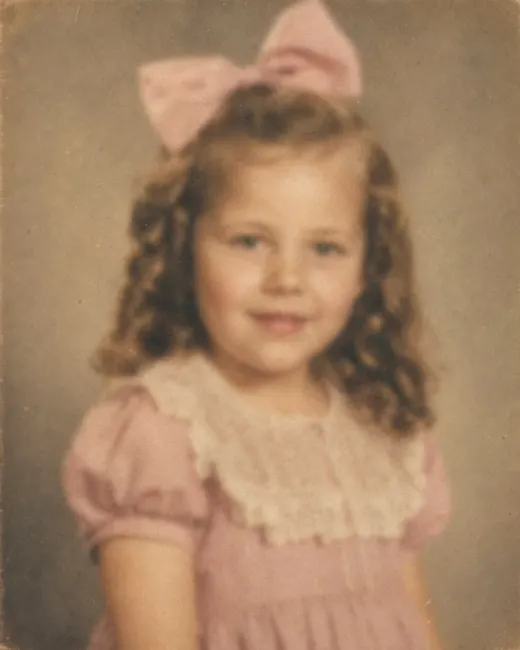
 Colorize
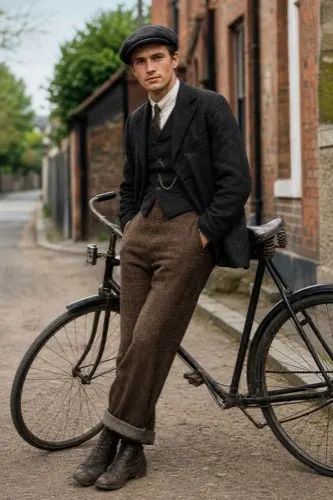
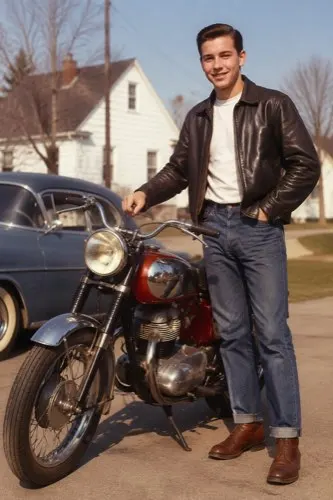
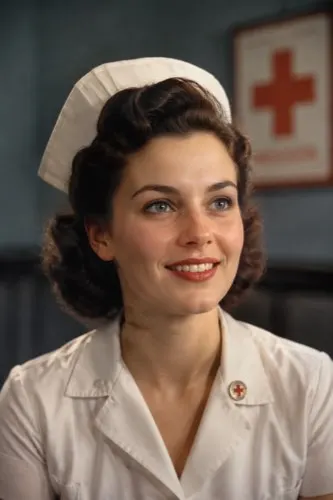
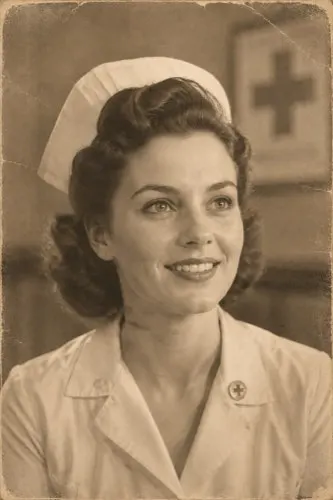
Add lifelike, natural color to black-and-white and sepia photographs.
Learn more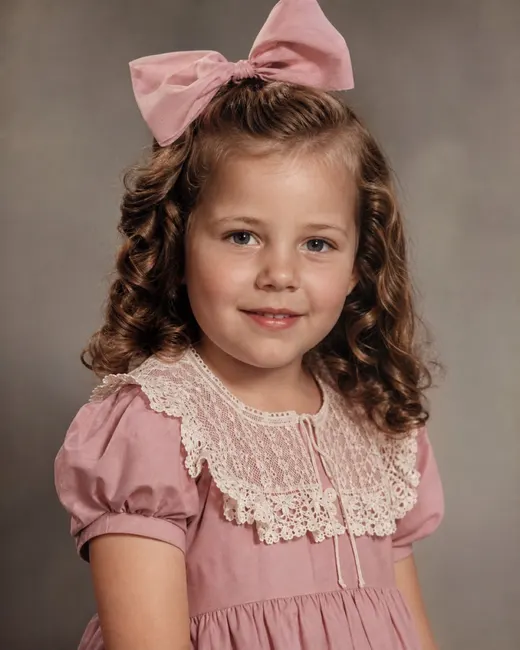
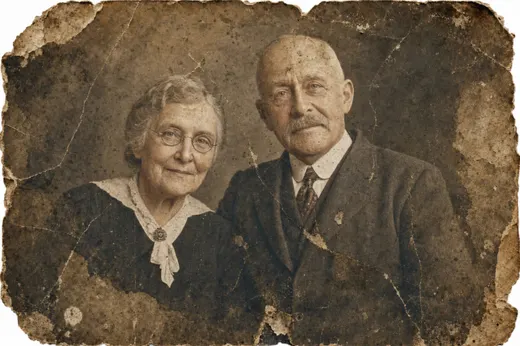
 BEFORE AFTER
 Enhance
Sharpen blurry faces, recover lost detail, and boost resolution.
Learn more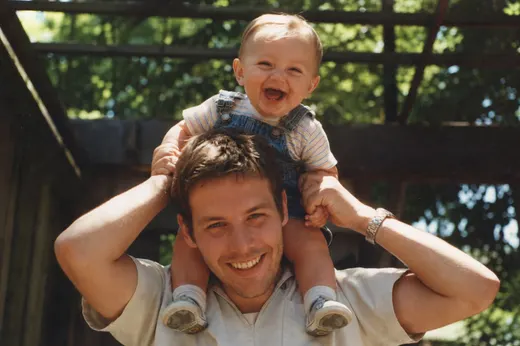
 BEFORE AFTER
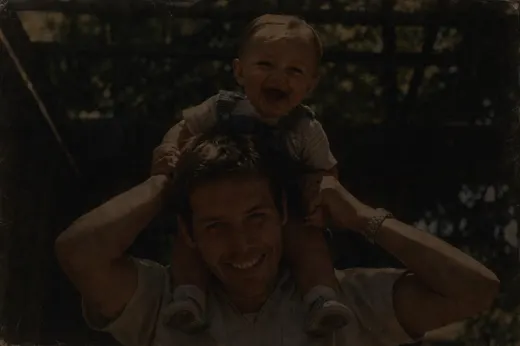
 Brighten
Fix dark, faded, and over- or under-exposed photos with balanced light.
Learn more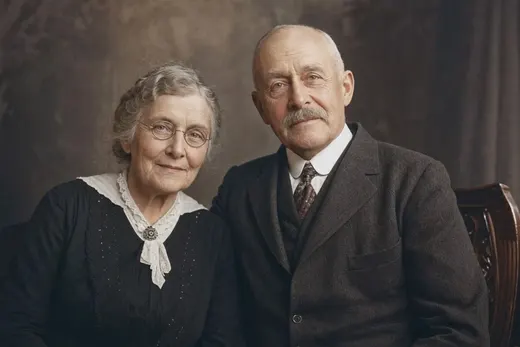
 BEFORE AFTER
 Recreate
Rebuild severely damaged portraits where large areas are missing or torn.
Learn more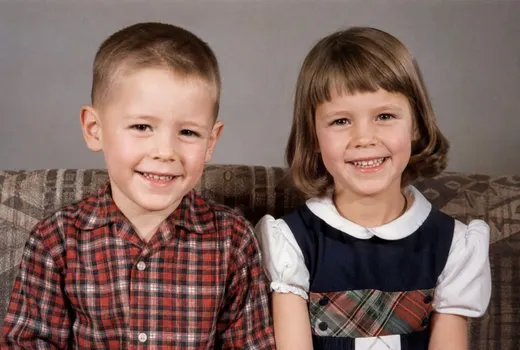
 BEFORE AFTER
 Merge
Bring people from separate photos together into a single natural frame.
Learn moreReal photos, really restored
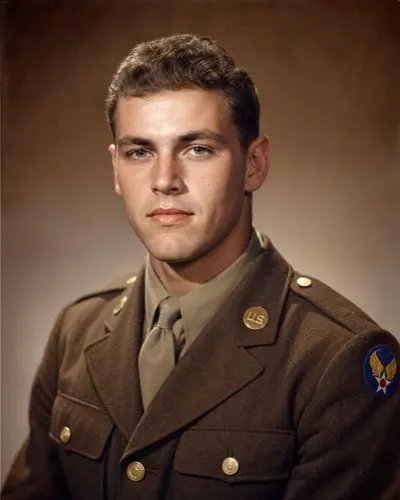
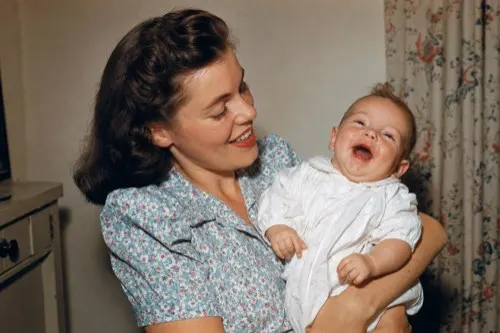
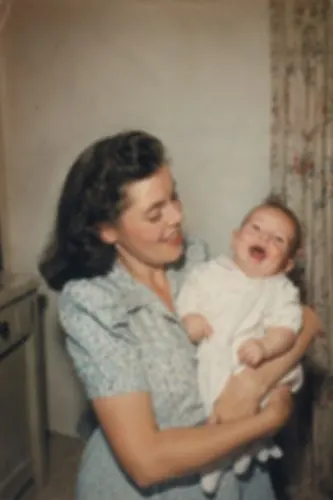
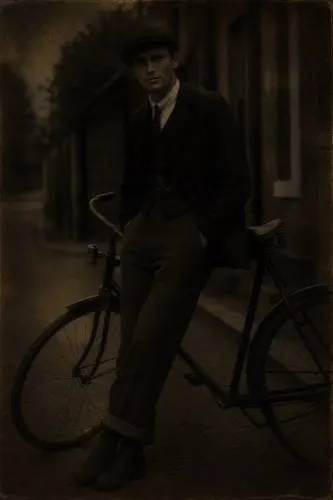
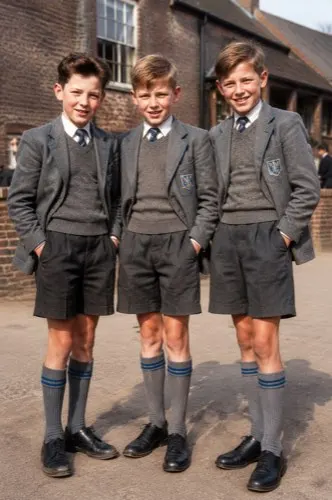
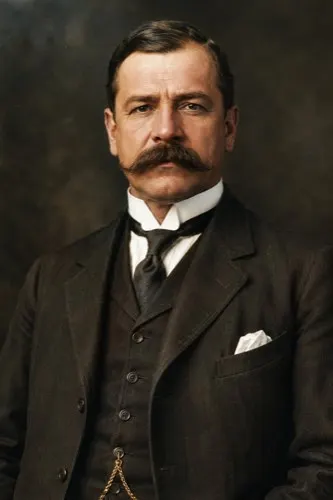
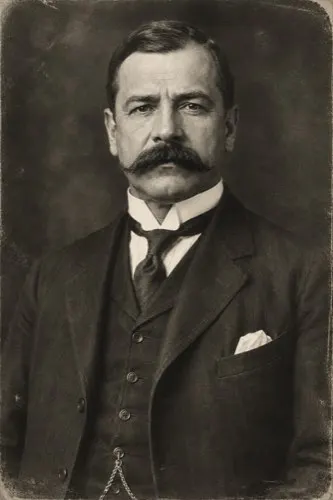
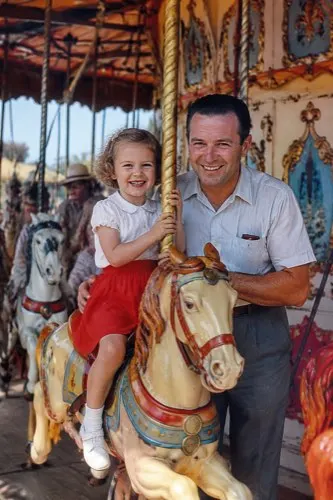
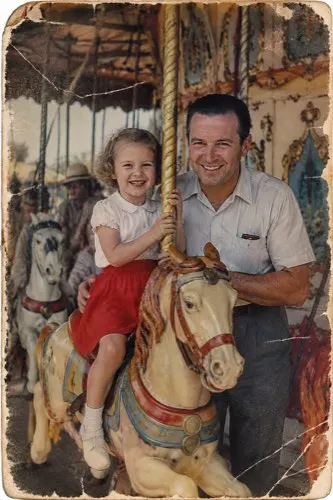
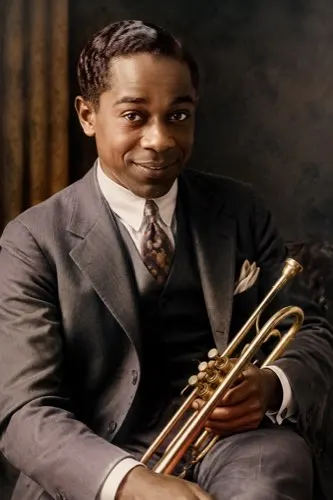
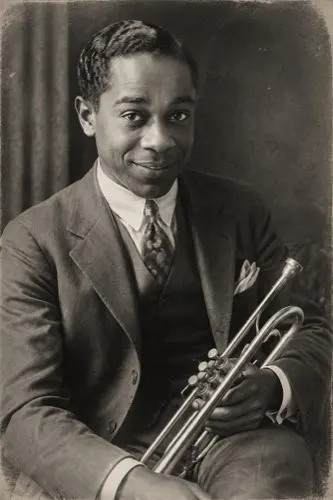
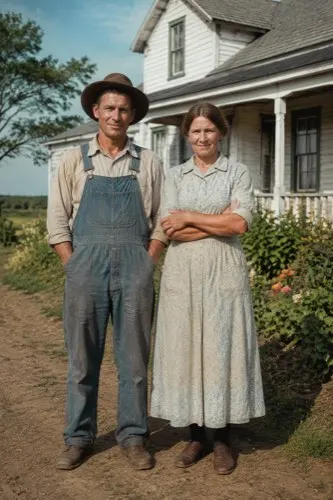
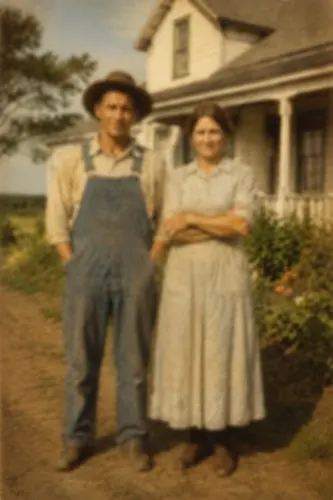
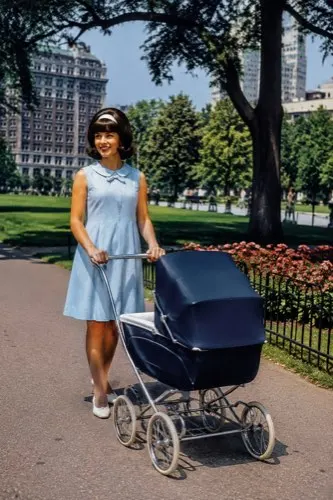
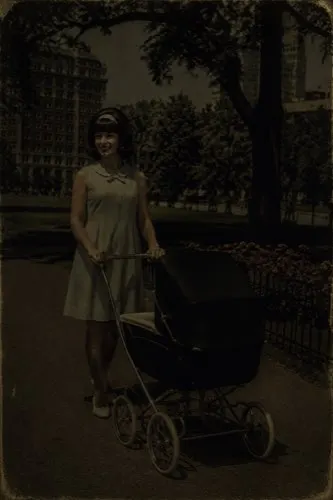
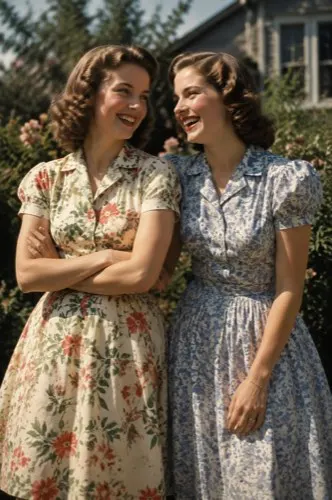
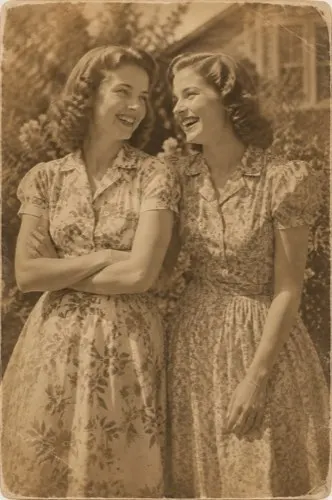
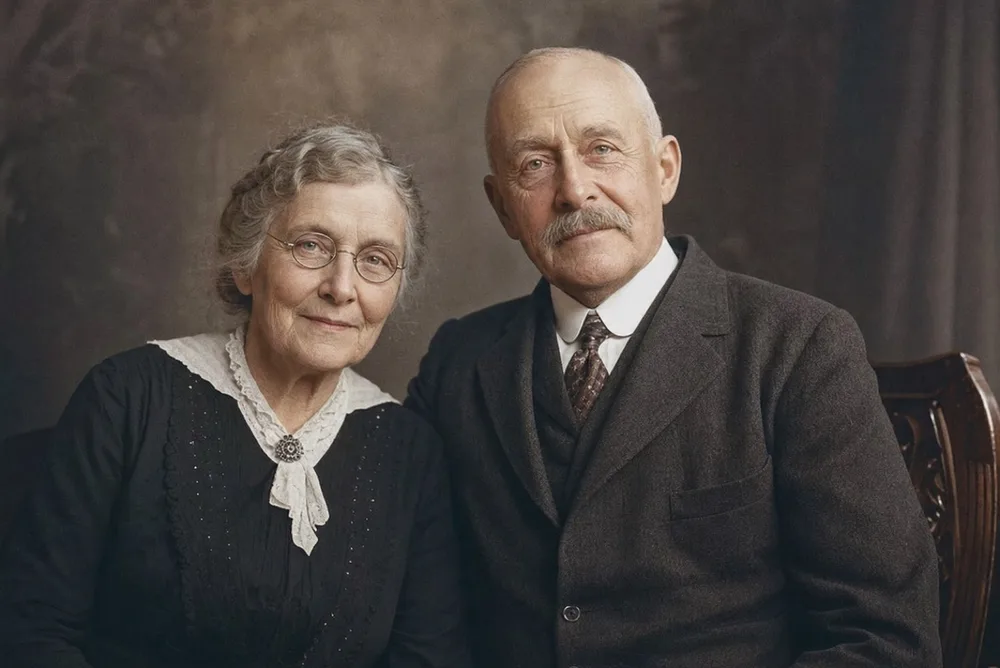
Drag any slider to reveal the before and after. Every result below was produced by OldtoLife.
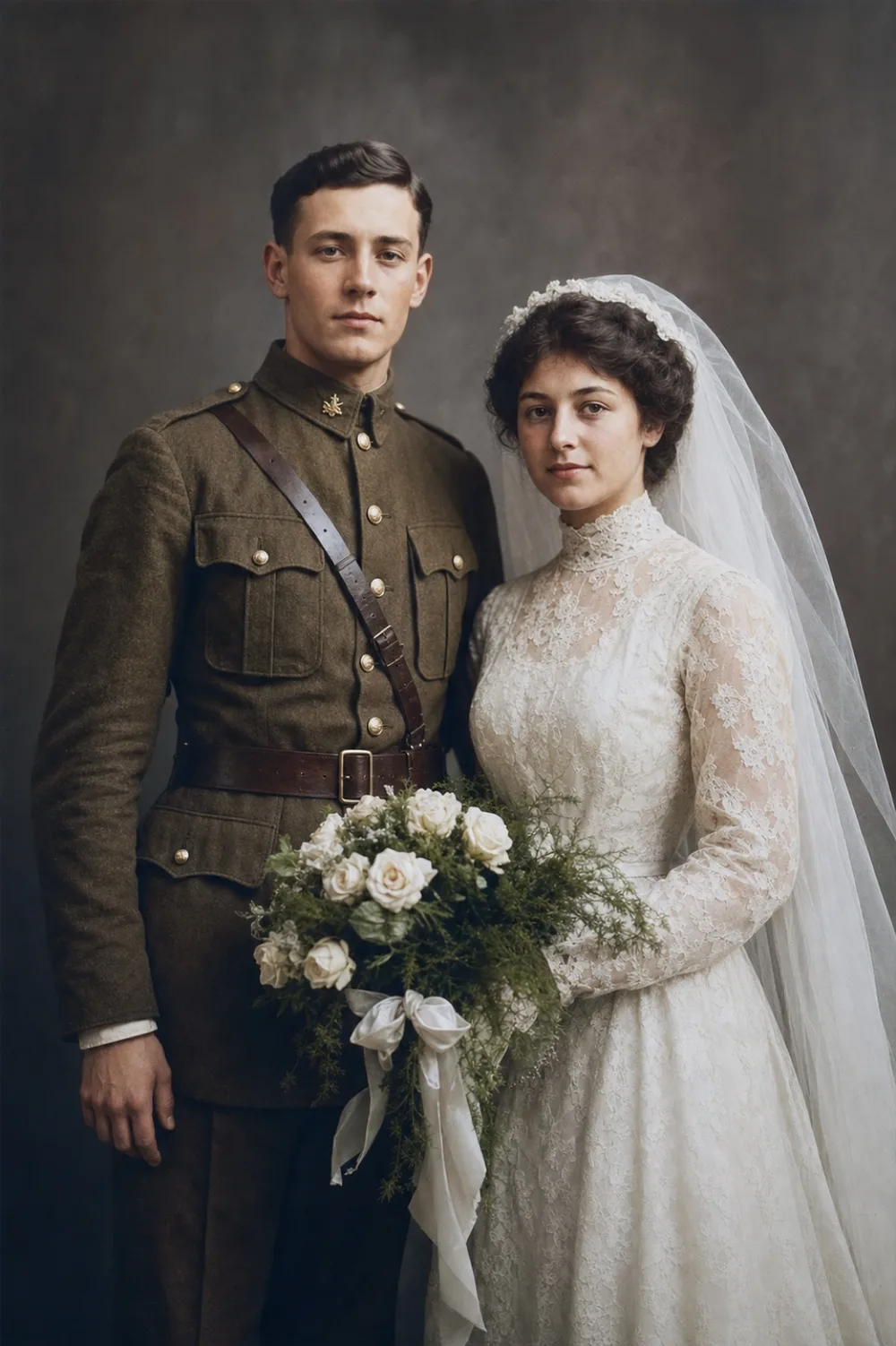
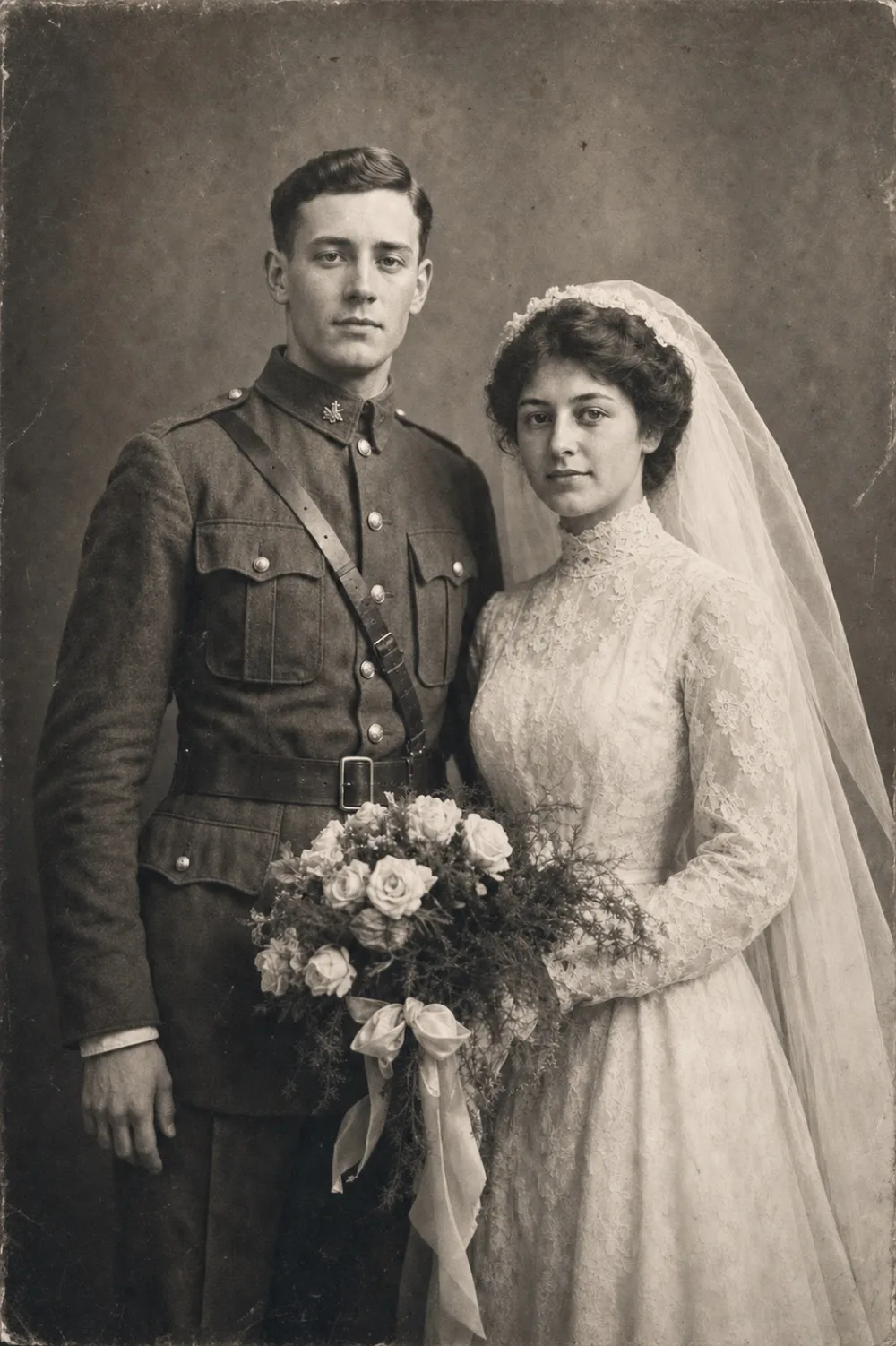
Colorize
Natural color added to a black-and-white portrait.
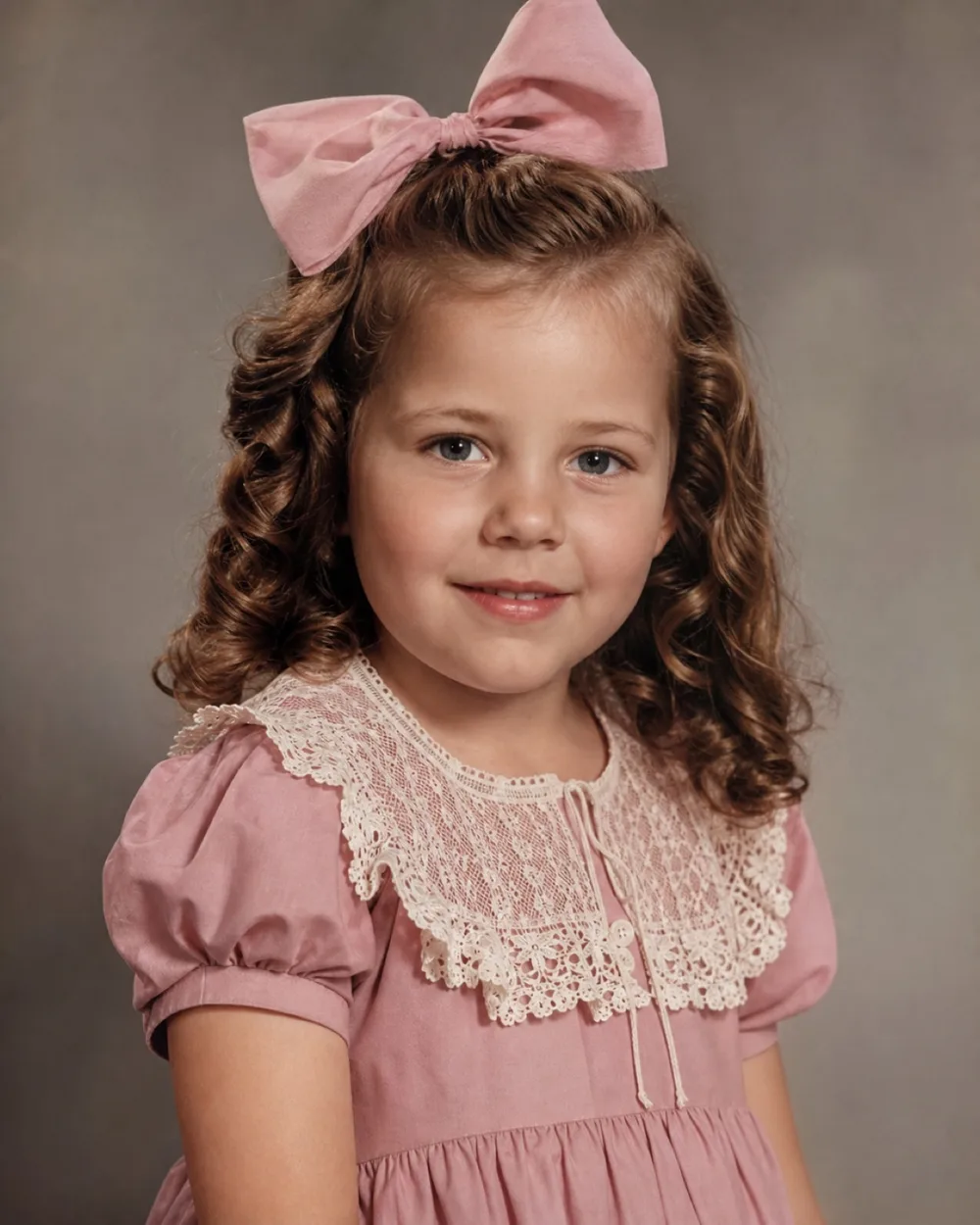
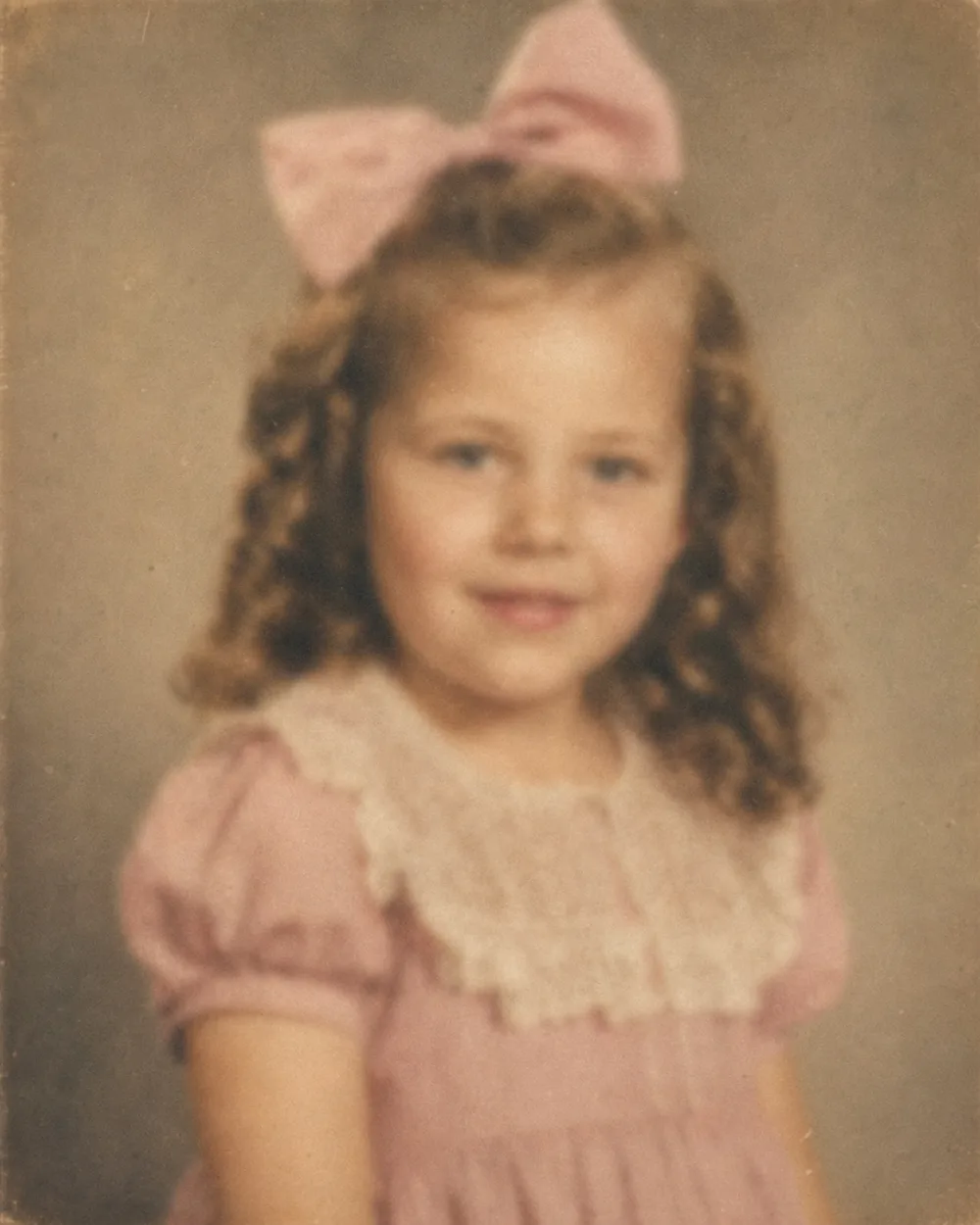
Enhance
Blurry faces sharpened and detail recovered.
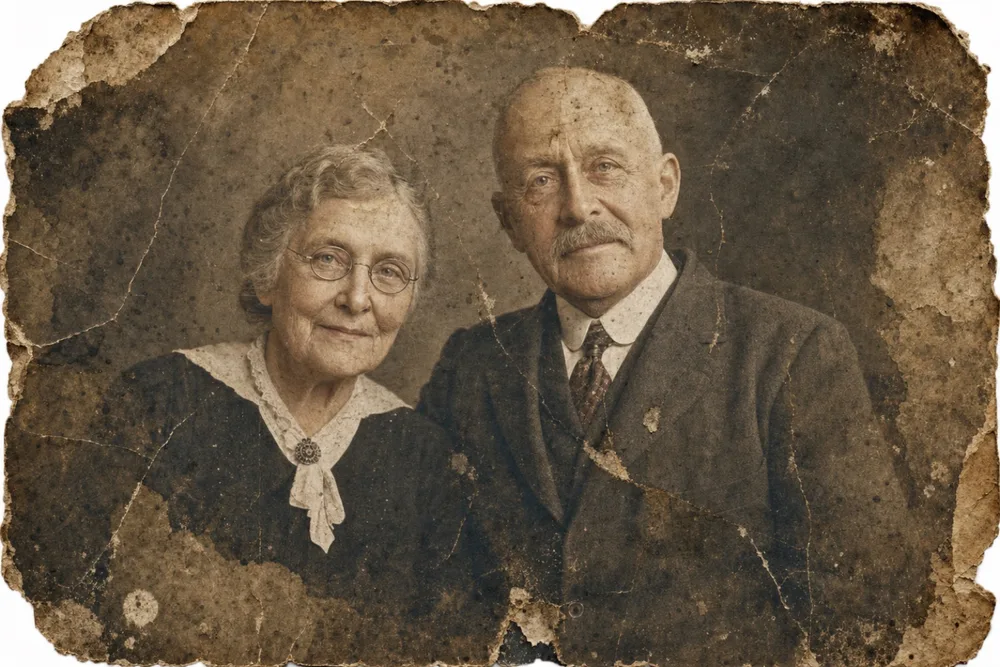
Recreate
A heavily damaged portrait rebuilt from what remained.
How OldtoLife works
- 01
Upload your photo
Pick any old, faded, scratched, or black-and-white photo from your camera roll — or scan a printed one.
- 02
Choose a tool
Tap Restore, Colorize, Enhance, Brighten, Recreate, or Merge. The AI processes your photo in about ten seconds.
- 03
Compare, save & share
Drag the before/after slider, then save the full-HD result to your gallery or share it with family.
Memories worth bringing back
“My grandmother's only wedding photo was torn in half and faded. OldtoLife brought it back so clearly that my mother cried when she saw it.”
Elena M.
Restored a 1950s wedding portrait
“I colorized a black-and-white photo of my grandfather in uniform. The colors look completely real — it feels like meeting him for the first time.”
David R.
Colorized a military portrait
“The scan of my childhood photo was blurry and dark. Two taps later the faces were sharp and the lighting looked natural. Unbelievable.”
Aylin K.
Enhanced a 1990s family snapshot
Start free. Upgrade when you're ready.
Try every tool free. Upgrade only when you want unlimited restorations and HD downloads.
Weekly
Billed weekly. Cancel anytime.
Choose Weekly- Unlimited restorations
- All six AI tools unlocked
- Download & share in full HD
- No daily limit
- No watermark
- New tools as they launch
Annual
≈ $0.96 / week
3-day free trial, then $49.90/year.
Start free trial- Unlimited restorations
- All six AI tools unlocked
- Download & share in full HD
- No daily limit
- No watermark
- New tools as they launch
3-day free trial · Cancel anytime in your Apple ID settings · Prices may vary by region.
Frequently asked questions
Is OldtoLife free to try?
Yes. You can download OldtoLife and try every restoration tool. A Premium subscription unlocks unlimited restorations, HD downloads, and removes daily limits, and it starts with a 3-day free trial.
How does AI photo restoration work?
You upload a photo, choose a tool (restore, colorize, enhance, brighten, recreate, or merge), and the app sends it to our AI model. The model repairs damage, reconstructs missing detail, or adds natural color, then returns a high-resolution result — usually in about ten seconds.
Will the result look natural, not fake?
OldtoLife is tuned to preserve real facial features and identity rather than inventing a new face. Colors are chosen to look period-accurate and believable. You can always compare before and after with a slider and re-run with a different tool.
Are my photos kept private?
Your photos are uploaded only to process them and are used solely to return your result. We do not sell your images or use them to train unrelated models. See our Privacy Policy for full detail.
What photo formats and sizes are supported?
Common formats like JPEG, PNG, and HEIC are supported. For the best results, use the sharpest, highest-resolution scan or photo you have and make sure faces are clearly visible.
Can I cancel my subscription?
Yes. Subscriptions are managed through your Apple ID and can be cancelled anytime from your iPhone Settings. If you cancel during the free trial you will not be charged.
Still have a question? Email us
Your memories deserve to be seen clearly
Download OldtoLife and restore your first photo in seconds. Every tool is free to try — no account needed.