Free vs. Professional Photo Restoration: Which Does Your Photo Need?
Free AI tools and professional retouchers solve different problems. Here's how to tell which one your photo actually needs, and what each will cost you in time and money.
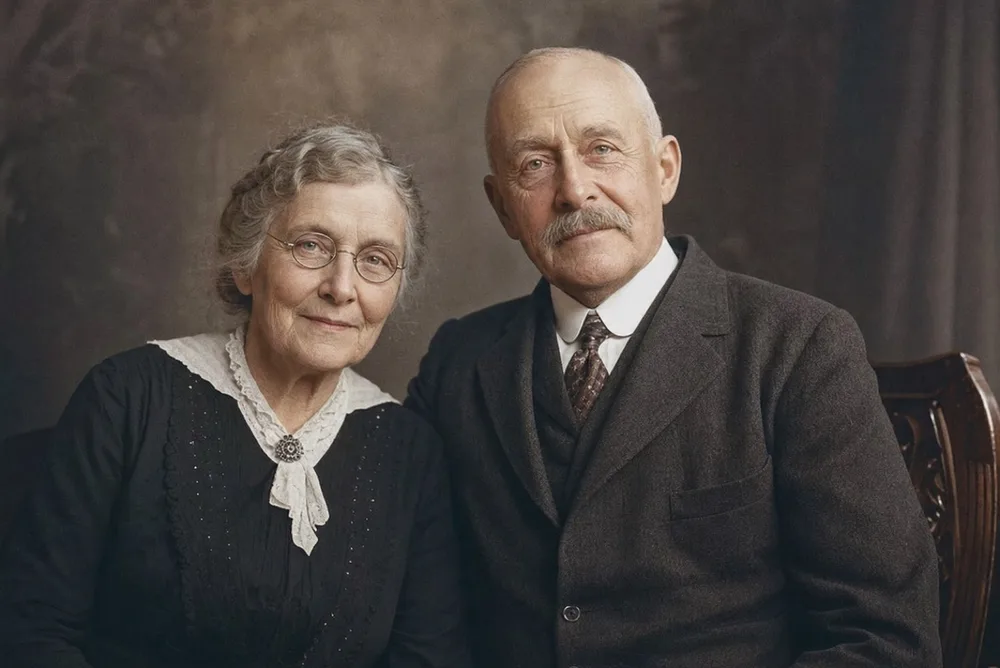
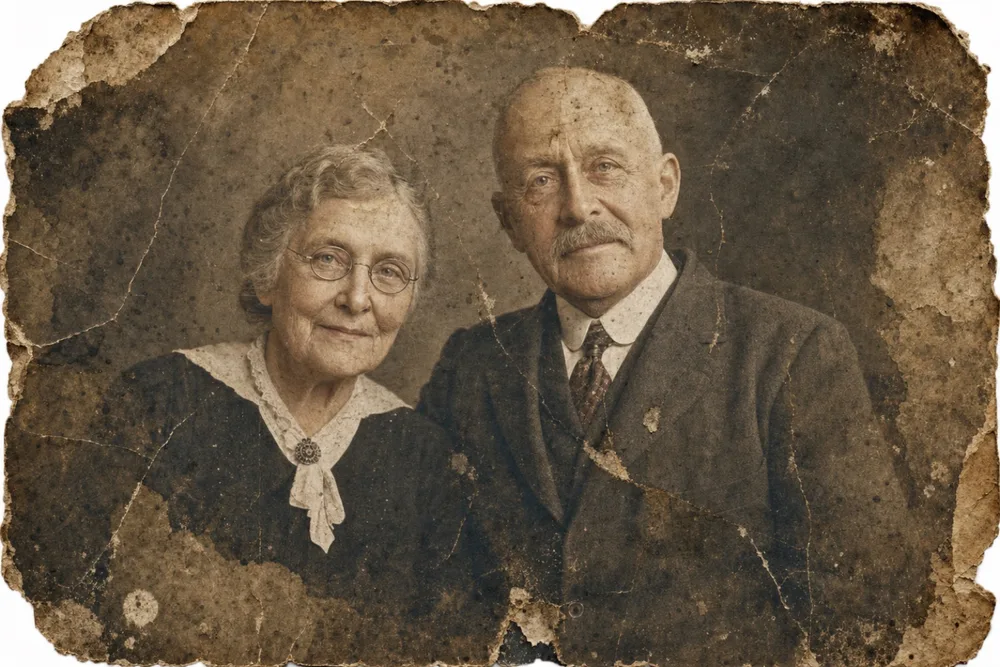
Key takeaways
- Free AI tools fix surface damage - scratches, fading, blur - in about ten seconds; professionals are for content that's actually missing.
- Professional restoration typically costs $20-150+ per photo and takes days to weeks; AI tools run on a subscription with near-instant results.
- The deciding factor is what's damaged: surface wear favors AI, missing or destroyed content favors a professional's hands-on judgment.
- Many people use both - AI tools for a whole batch of photos, then a professional only for the handful that truly need reconstruction.
Free photo restoration tools fix common, well-defined damage in seconds and cost nothing beyond your time; professional restoration is done by a person, priced per photo, and built for damage severe enough that automation can't reliably guess what's missing. The gap between the two isn't really about quality in the abstract - it's about what kind of damage you're dealing with and how much is riding on getting it exactly right.
This guide breaks down what each option actually delivers, what professional restoration realistically costs and takes, and where AI-powered apps like OldtoLife sit in between the two extremes. By the end you should be able to look at a specific photo and know, without guessing, which route it needs.
What 'Free' Restoration Actually Fixes
Free restoration today usually means a mobile app, a web tool, or a no-cost tier of a subscription app like OldtoLife's Restore or Colorize tools. These run a trained AI model over the whole photo at once - there's no consultation, no proofing round, no person looking at your specific photo and making judgment calls about it.
What they're genuinely good at is damage a model has seen thousands of times before: scratches, dust specks, faded color, yellowing, mild creases, and soft or blurry faces. Because this kind of damage follows predictable patterns, an AI model can correct it in about ten seconds with results that hold up at normal viewing size.
Where free tools struggle is content that's actually gone - a corner torn off, a face partly missing, water or ink damage that erased detail rather than just dulling it. A model can guess at what belongs there based on similar photos, but that's a plausible reconstruction, not a recovery of the original. Free tiers also often cap resolution or how many photos you can process in a day, which matters if you're working through a whole box of prints.
- Scratches, dust, and surface debris
- Fading, yellowing, and color cast
- Mild creases and edge wear
- Soft focus and minor blur
- Underexposed or washed-out lighting
What You're Paying For With a Professional Retoucher
Professional restoration is manual work, usually done in Photoshop, by someone reconstructing the photo pixel by pixel. For a torn or partly missing photo, that means painting in fabric folds, rebuilding a hairline, or matching the grain and lighting of the surrounding image so the repaired section doesn't look pasted in. For colorization work, a good studio researches the era - military uniform colors, period-appropriate fabric dyes - rather than applying a generic palette.
Pricing tracks the amount of manual work involved. Light retouching on a photo that's mostly intact often runs in the $20-40 range; a heavily torn photo with large missing sections, or one needing detailed hand reconstruction of a face, can run $75-150 or more per photo. Turnaround is typically several days to a few weeks, partly because the work is slow and partly because most studios build in at least one round of revisions.
You're also paying for judgment you can direct: you can tell a person 'her eyes were actually blue' or 'that's my grandfather's wedding ring, keep it visible,' and they'll adjust. That kind of back-and-forth isn't something an automated tool can do.
Where AI Apps Like OldtoLife Fit Between the Two
AI restoration apps occupy real middle ground rather than being a cheaper, weaker version of professional work. OldtoLife's Restore tool removes scratches, stains, tears, and creases; Enhance sharpens blurry faces and recovers detail; Brighten corrects dark or washed-out exposure; and Recreate is built specifically for portraits with large damaged or missing areas. Instead of a per-photo fee, you get a subscription and a result in roughly ten seconds per photo.
It's worth being honest about the ceiling here: Recreate can plausibly fill in a missing section of a face using patterns learned from a huge number of similar portraits, but it's inferring what was probably there, not recovering what was actually there. For a decorative or largely-intact photo, that's a non-issue. For a photo where getting one specific person's exact features right really matters - and you have other reference photos of them - a professional working directly from those references will be more faithful.
The practical advantage shows up with volume. If you're digitizing a shoebox of two hundred family prints, running all of them through an AI tool first is realistic in a way that sending two hundred photos to a professional studio isn't, for either your budget or your patience. It also tells you, quickly, which photos actually need a professional's attention and which don't.
How to Decide Which Route a Specific Photo Needs
Three questions narrow it down fast. First, is the damage on the surface - scratches, fading, blur - or is content actually missing, like a torn-off corner or an obscured face? Second, does this specific photo need to be exactly right, with a living relative who'll notice if a detail is off, or is close-enough acceptable? Third, what's your timeline and budget: do you need it back today, or can it wait a few weeks?
A simple rule follows from that. Photos with surface-level damage and no missing content are well suited to an AI tool - try Restore, Colorize, Enhance, or Brighten first, since the result costs ten seconds and no extra money beyond a subscription you may already have. Photos with real content loss, especially ones headed for a formal use like a memorial print or a wedding gift, are worth the professional's time and cost.
- Surface damage only, casual copy: try AI first
- Missing chunks or faces, precious or one-of-a-kind print: professional
- Need it back in minutes: AI
- Need archival-grade accuracy and can wait: professional
- Dozens or hundreds of photos: AI first, professional for the few that need it
Cost and Turnaround, Side by Side
The numbers make the trade-off concrete. Free or subscription AI tools generally cost nothing to a modest weekly or annual fee, return a result in about ten seconds, and have no meaningful limit on how many ordinary photos you can run through in a session. Professional restoration is priced per photo, roughly $20-40 for light work and $75-150+ for heavy reconstruction, and takes anywhere from several days to a few weeks once you account for revisions.
Neither number tells the whole story on its own. A single irreplaceable portrait of a great-grandparent that's torn in three places is worth a professional's fee even if it takes three weeks. A stack of sun-faded vacation photos from years back almost certainly isn't - that's exactly the kind of job an AI tool like Brighten was built for.
Step by step
- 1
Sort by damage type, not just by how bad it looks
Separate photos with surface damage - fading, scratches, blur - from photos missing real content, like a torn-off section or an obscured face.
- 2
Run the surface-damage pile through an AI tool first
Upload the easier photos to a tool like OldtoLife's Restore or Colorize and check the result, which typically takes about ten seconds per photo.
- 3
Set aside anything with real content loss
Photos with missing chunks, torn-out faces, or heavy water damage are the ones worth sending to a professional retoucher.
- 4
Gather reference photos before contacting a professional
If a face or detail is missing, other photos of the same person or scene give a retoucher something accurate to reconstruct from instead of guessing.
- 5
Compare results before you pay for prints
Look at the restored version next to the original, and next to any reference photos, before ordering framed prints or a final invoice.